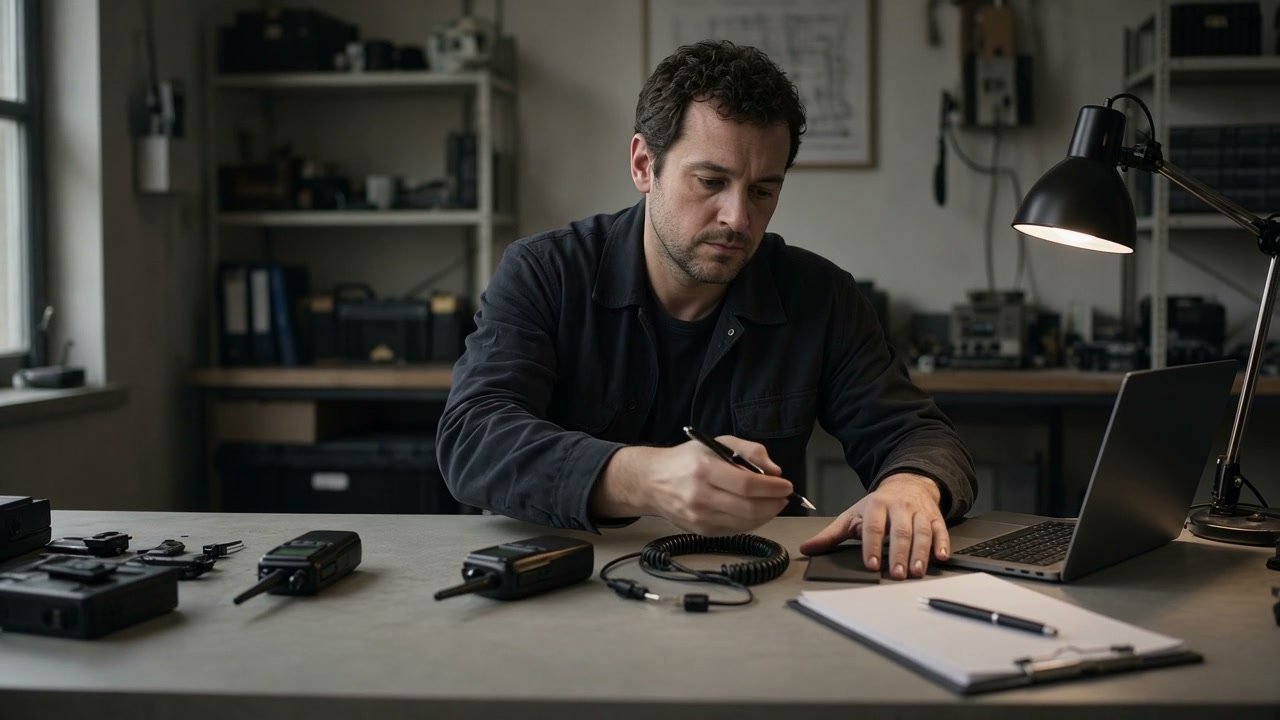
What to record before adding units to a mixed two-way radio fleet: model variants, band, channel plan, accessories, ownership and programming handover status.
01 / THE GUIDE IN CONTEXTMIXED RADIO FLEETS
For facilities teams and organisations adding radios to an established fleet
Mixed radio fleet record
Mixed fleets often look manageable until a new unit needs to join an existing call group. The decision depends on exact radio variants, programming status, accessories and the calls that must work across groups.
OBOR KUASA / INDUSTRY USE-CASE GUIDE · Use these guides to organise the operational details, equipment questions and next checks that lead to a clearer radio communication brief. They are general planning resources and do not report a particular team's work, location or outcome.
01 / THE OPERATING QUESTION
Start with the work.
Mixed fleets often look manageable until a new unit needs to join an existing call group. The decision depends on exact radio variants, programming status, accessories and the calls that must work across groups.
02 / THE PLANNING DECISION
Make the next step visible.
Create a fleet record before adding units so compatibility becomes a technical question that can be checked rather than a visual assumption.
Operating scene reference.
02 / THE PLANNING PATH (04)
START WITH THE WORK. THEN BUILD THE BRIEF.
Create a fleet record before adding units so compatibility becomes a technical question that can be checked rather than a visual assumption.
Use this as a planning guide for a comparable operating environment. Confirm equipment, coverage, programme and service decisions against the actual worksite and current equipment.
01 / 04USE-CASE GUIDE
Operating scene reference for the first planning step.
01 / IDENTIFY EACH VARIANTUSE-CASE GUIDE
Make the fleet more specific than a model family name.
Operating scene reference for identify each variant.
Record exact model, variant, asset tag and current owner. Similar-looking handhelds may differ in feature set, programming or accessory path.
PLANNING MAP
01Exact model
02Variant
03Asset tag
04Owner
USE THIS NEXT
Identify Each Variant
Record exact model, variant, asset tag and current owner. Similar-looking handhelds may differ in feature set, programming or accessory path.
Operating scene reference for capture the current plan.
List the current channel plan, user groups and the calls that need to cross between groups. Do not assume a new unit will follow the same configuration without verification.
PLANNING MAP
01Band
02Channels
03User groups
04Shared calls
USE THIS NEXT
Capture The Current Plan
List the current channel plan, user groups and the calls that need to cross between groups. Do not assume a new unit will follow the same configuration without verification.
Record who holds the programming handover, any documentation, passwords or access boundaries, and what information still needs to be confirmed before work begins.
PLANNING MAP
01Documentation
02Programming access
03Responsible party
04Unknowns
USE THIS NEXT
Check The Handover
Record who holds the programming handover, any documentation, passwords or access boundaries, and what information still needs to be confirmed before work begins.
Write whether the unit is an addition, spare, replacement candidate or a new user group. This prevents a purchase list from becoming a compatibility claim.
PLANNING MAP
01Intended role
02Required calls
03Accessories
04Acceptance check
USE THIS NEXT
Plan The Addition
Write whether the unit is an addition, spare, replacement candidate or a new user group. This prevents a purchase list from becoming a compatibility claim.
No. Compatibility depends on the exact models, variants, programming and intended call path. Treat it as a checkable technical question.
02
Why record programming handover status?
+
It shows whether the existing setup can be reviewed and what information is still missing before new units are introduced.
03
What should be decided about a new unit first?
+
Its operating role: addition, spare, replacement candidate or new user group. That gives the compatibility review a clear purpose.
About this guide
Use these guides to organise the operational details, equipment questions and next checks that lead to a clearer radio communication brief. They are general planning resources and do not report a particular team's work, location or outcome. Use it to prepare a clearer internal brief and then confirm decisions against the actual environment, equipment and operating need.
What to record before adding units to a mixed two-way radio fleet: model variants, band, channel plan, accessories, ownership and programming handover status.

 01 / THE OPERATING QUESTION