COUNT THE RADIOS. COUNT THE BATTERIES. KEEP THEM SEPARATE.
INDUSTRY USE-CASE GUIDE
How industrial teams can separate radio stock from battery stock using model, assignment, spare status, charger position, condition and replacement date.
01 / THE GUIDE IN CONTEXTINDUSTRIAL STOCK PLANNING
For yard, plant and industrial operations teams managing handheld equipment
Industrial radio and battery stock
Radios and batteries move through different parts of a working system. A stock record that treats battery quantity as radio availability can hide whether the next issue is supply, charging, repair or allocation.
OBOR KUASA / INDUSTRY USE-CASE GUIDE · Use these guides to organise the operational details, equipment questions and next checks that lead to a clearer radio communication brief. They are general planning resources and do not report a particular team's work, location or outcome.
01 / THE OPERATING QUESTION
Start with the work.
Radios and batteries move through different parts of a working system. A stock record that treats battery quantity as radio availability can hide whether the next issue is supply, charging, repair or allocation.
02 / THE PLANNING DECISION
Make the next step visible.
Use separate records for radio stock and battery stock, then join them through an asset and charging routine rather than a single quantity.
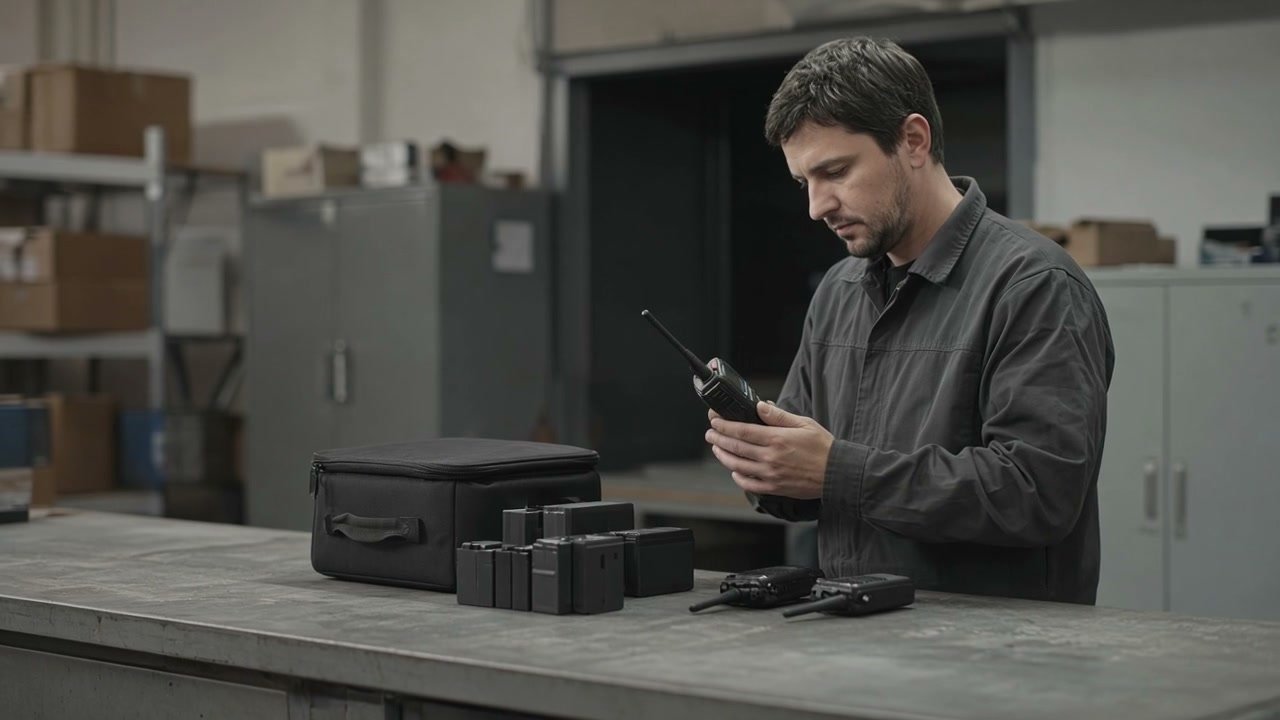
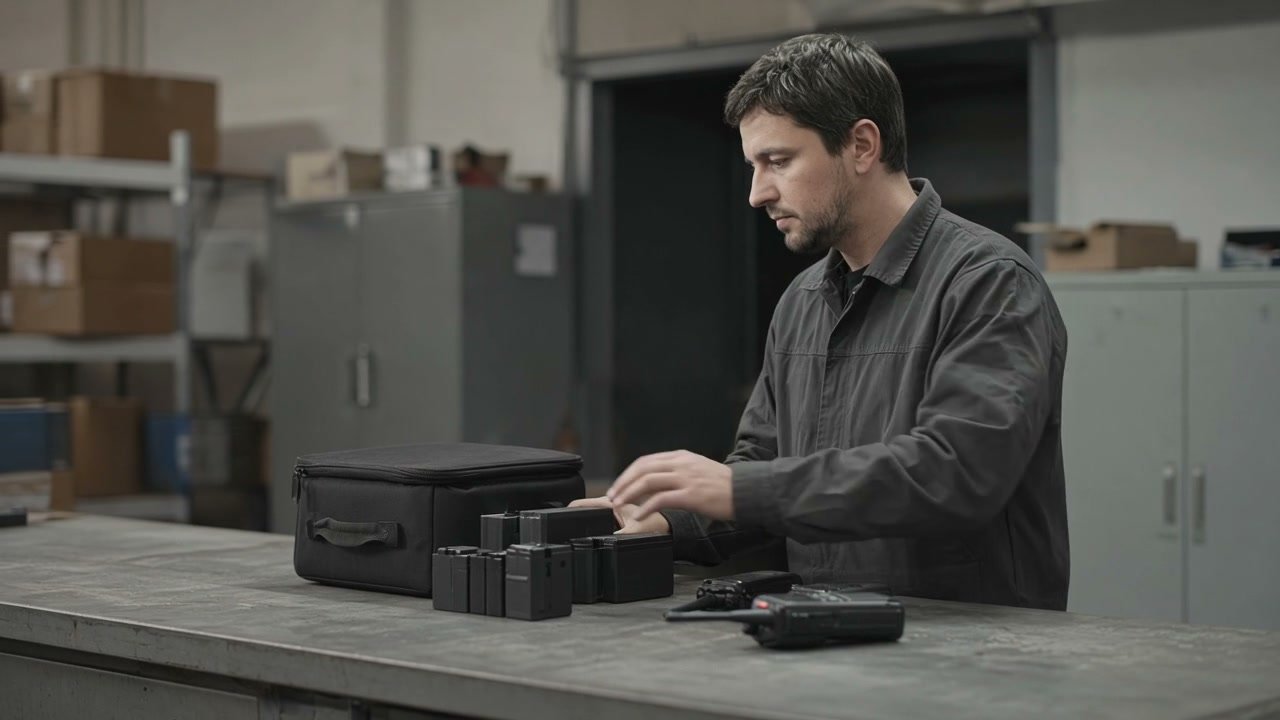
Operating scene reference.
02 / THE PLANNING PATH (04)
START WITH THE WORK. THEN BUILD THE BRIEF.
Use separate records for radio stock and battery stock, then join them through an asset and charging routine rather than a single quantity.
Use this as a planning guide for a comparable operating environment. Confirm equipment, coverage, programme and service decisions against the actual worksite and current equipment.
01 / 04USE-CASE GUIDE
Operating scene reference for the first planning step.
01 / LIST THE RADIOSUSE-CASE GUIDE
Track equipment identity and operating role.
Operating scene reference for list the radios.
Record each radio's model, asset tag, assigned area or user and whether it is active, spare or unavailable. This is the radio stock record, not the battery count.
PLANNING MAP
01Model
02Asset tag
03Area or user
04Status
USE THIS NEXT
List The Radios
Record each radio's model, asset tag, assigned area or user and whether it is active, spare or unavailable. This is the radio stock record, not the battery count.
Record the battery reference, status, charger position and replacement review. Keep batteries in service, spare and unavailable in distinct categories.
PLANNING MAP
01Battery reference
02Condition
03Charger position
04Replacement review
USE THIS NEXT
List The Batteries
Record the battery reference, status, charger position and replacement review. Keep batteries in service, spare and unavailable in distinct categories.
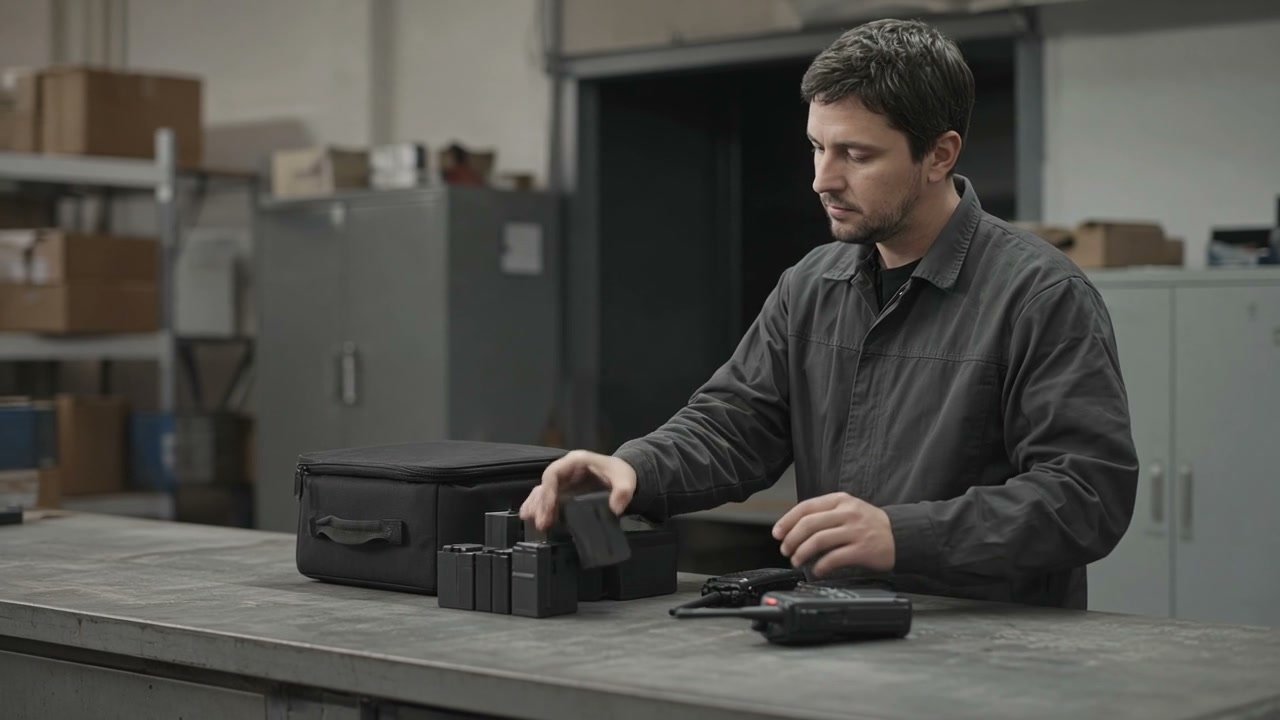
Operating scene reference for connect the routine.
At issue and return, note which radio and battery are moving through the routine. This can reveal whether a problem follows a specific radio, battery or charger.
PLANNING MAP
01Issue
02Return
03Charging
04Reported issue
USE THIS NEXT
Connect The Routine
At issue and return, note which radio and battery are moving through the routine. This can reveal whether a problem follows a specific radio, battery or charger.
They have different identities, conditions and next actions. Separate records prevent a battery count from being mistaken for available radios.
02
How can a team tell if a problem is charging or repair?
+
Use the issue and return record to identify the radio, battery and charger involved, then record the observed behaviour for the next review.
03
What does spare status mean?
+
It means the item is kept for a defined operational need and is tracked separately from active or unavailable equipment. The exact spare level should follow the team's work pattern.
About this guide
Use these guides to organise the operational details, equipment questions and next checks that lead to a clearer radio communication brief. They are general planning resources and do not report a particular team's work, location or outcome. Use it to prepare a clearer internal brief and then confirm decisions against the actual environment, equipment and operating need.
How industrial teams can separate radio stock from battery stock using model, assignment, spare status, charger position, condition and replacement date.

 01 / THE OPERATING QUESTION